
Count down to
the days that matter.
Your next trip. Their birthday. The day you have been waiting for. See the days left and keep your plans together.
Two active countdowns free.
For iPhone, iPad and Apple Watch
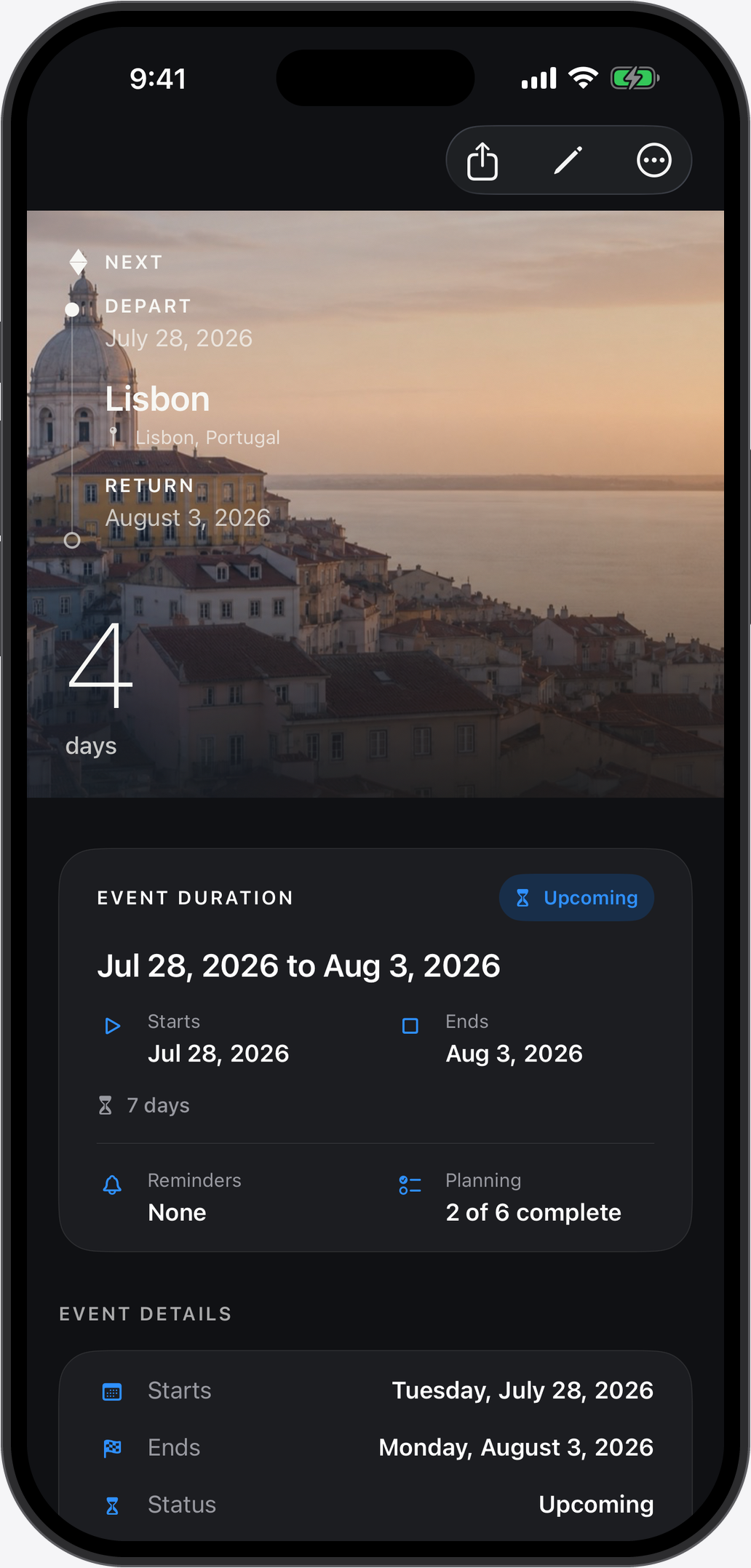
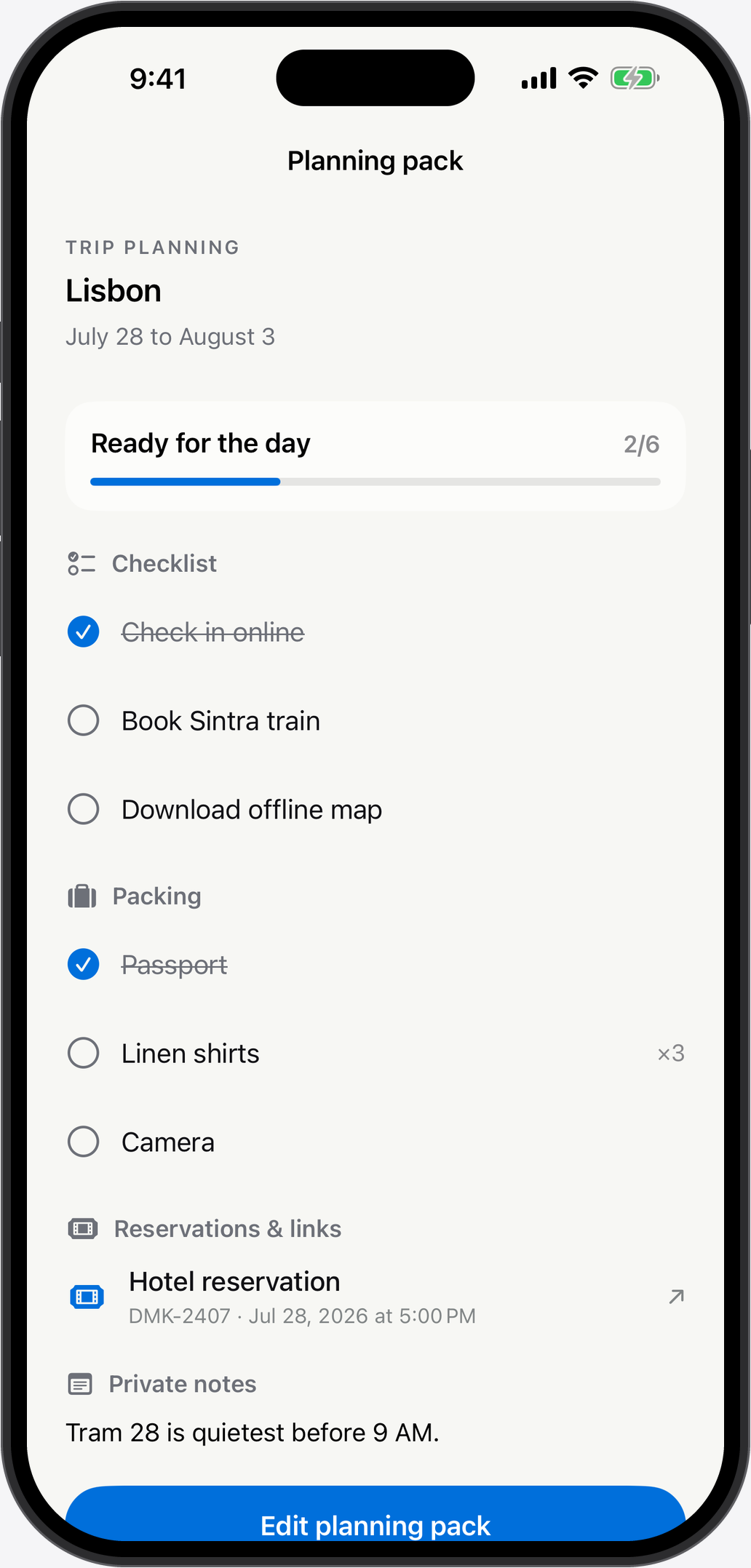
Your next trip
Keep the days left and your packing list together.

Their birthday
Remember the date. Have the gift ready in time.

Your next big day
Count down to a wedding or your next move.

See what you get with Daymark.
Every layout and widget is included with your two free countdowns.
Give yourself something to look forward to.
Put the dates you care about in one place. Add a photo that means something and a reminder to get ready.
- All nine photo and simple layouts
- Count in days, weeks or minutes
- Reminders before your date
Make your first
countdown today.
Download Daymark, add your date and choose a photo. Your first two active countdowns include every layout and widget.

Two active countdowns free.
Choose your date
Name your countdown and set the date. Add an end date for a trip.
Add your photo
Pick a photo and one of nine layouts. Use a simple layout if you prefer.
Add your widget
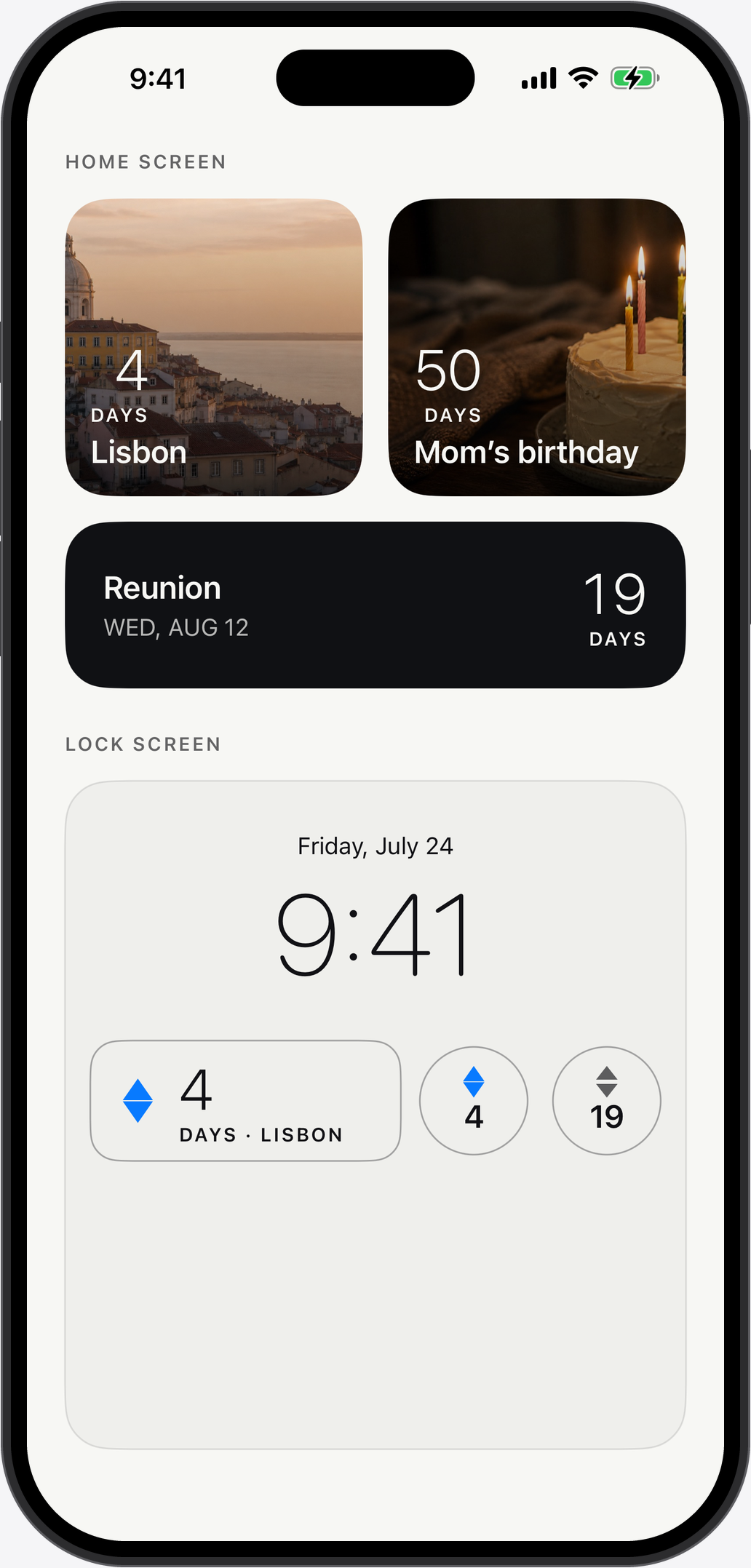
Put the countdown on your Home Screen or Lock Screen. The days left stay in view.
Before you download
Need help with Daymark?
Get Daymark support
Is Daymark free?
Yes. Keep two active countdowns free. Every layout and widget is included, along with planning and reminders. iCloud backup and sync are included too.
How do I add more countdowns?
Daymark Unlimited removes the active countdown limit. Choose a yearly subscription or a one-time lifetime purchase in the app.
Which devices can I use?
Daymark works on iPhone and iPad with iOS 18 or iPadOS 18 and later. The companion Apple Watch app requires watchOS 11 or later.
Can I put a countdown on my Lock Screen?
Yes. Add Daymark widgets to your Home Screen, Lock Screen or StandBy. On supported iPhones, a Live Activity shows the final 24 hours on your Lock Screen and in the Dynamic Island.
Do I need an account?
No Daymark account is needed. Your countdowns stay on your devices, with backup and sync through your private iCloud account. There are no ads or tracking.